










![Juniors Tad Lambert and Lily Reiff watch swim footage Jan. 19 in Room 153. Lambert and Reiff were editing their swim recap for Cougar Roundup. “[KUGR] is such a great environment for creativity but also to form amazing friends,” Lambert said. “KUGR has become like a home for me and I feel like I’ve gotten super close with so many other members.”](https://smnw.com/wp-content/uploads/2023/01/ejohnson_KUGR_7-900x600.jpg)


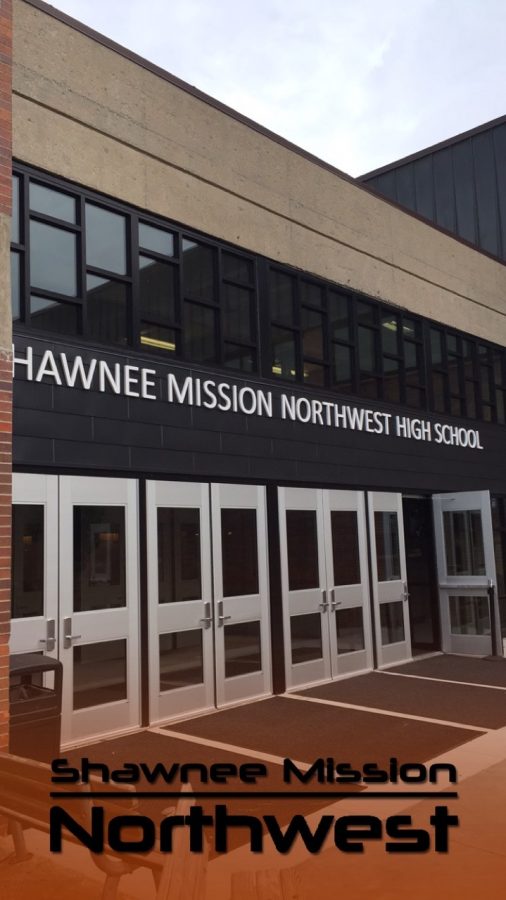
SMNW has introduced a new filter to the Snapchat world. The filter is faded orange with black type at the bottom of your picture. In addition, Snapchat has recently added a new feature: masks that will form and move with your face. Press down and hold your finger on a face to try out the snapchat masks. If you want to use two filters, press and hold down on your mask and swipe left/right for an additional filter.How do you make a snapchat filter?
- Create a 1080 by 1920 transparent pixel PNG
- Avoid using borders around entire filter
- Create a geofence for your filter using Snapchat’s map tool
- Click plus sign in upper righthand corner of screen to upload PNG
- Submit your design for Snapchat to see
- Expect an email from Snapchat for a confirmation that your filter will be used
Geofence- This is a tool that will create a virtual barrier of a specific location where your filter can be used. Once you create a geofence there is an option of receiving notifications when a device enters or leaves your area.