




























![Juniors Tad Lambert and Lily Reiff watch swim footage Jan. 19 in Room 153. Lambert and Reiff were editing their swim recap for Cougar Roundup. “[KUGR] is such a great environment for creativity but also to form amazing friends,” Lambert said. “KUGR has become like a home for me and I feel like I’ve gotten super close with so many other members.”](https://smnw.com/wp-content/uploads/2023/01/ejohnson_KUGR_7-900x600.jpg)


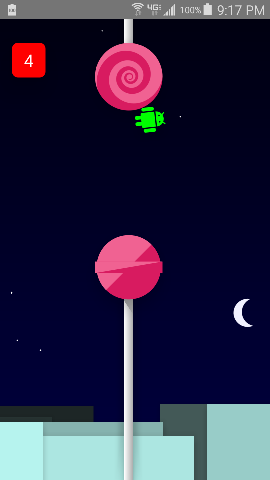
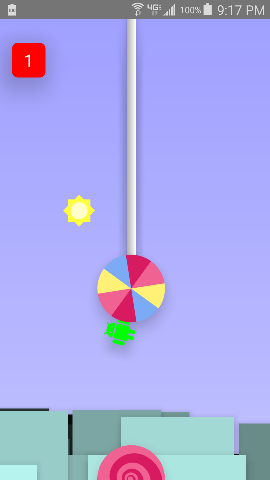
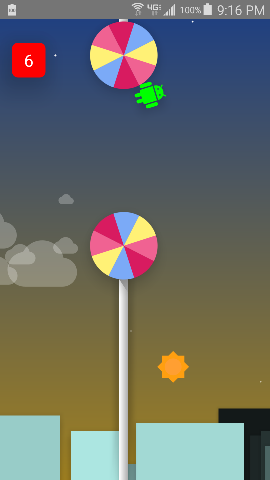
Android 5.0 is finally here! And it’s jam packed with an easter egg game built in to the new OS update.
Here are the steps to finding the game:
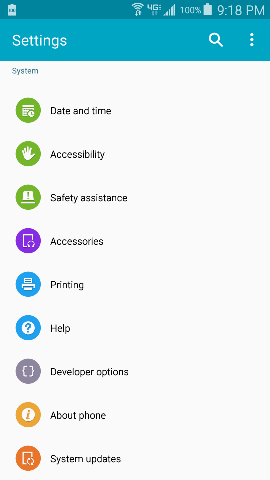
Step 1: Go to your settings.
Step 2: Select “About Phone”
Step 3: You will see a box that says “Android Version”. Select the box, but tap on the box multiple times.
Step 4: Then, your wallpaper will display showing a lollipop in the middle. Tap on the lollipop until it changes colors.
Step 5: Once all of the colored lollipops have shown, press and hold on the lollipop and then a new background will appear taking you directly to the game.